
Digital Literacy for Teenagers: Critical Thinking, Online Safety and AI Literacy
August 2, 2026 · Education · 8 min read
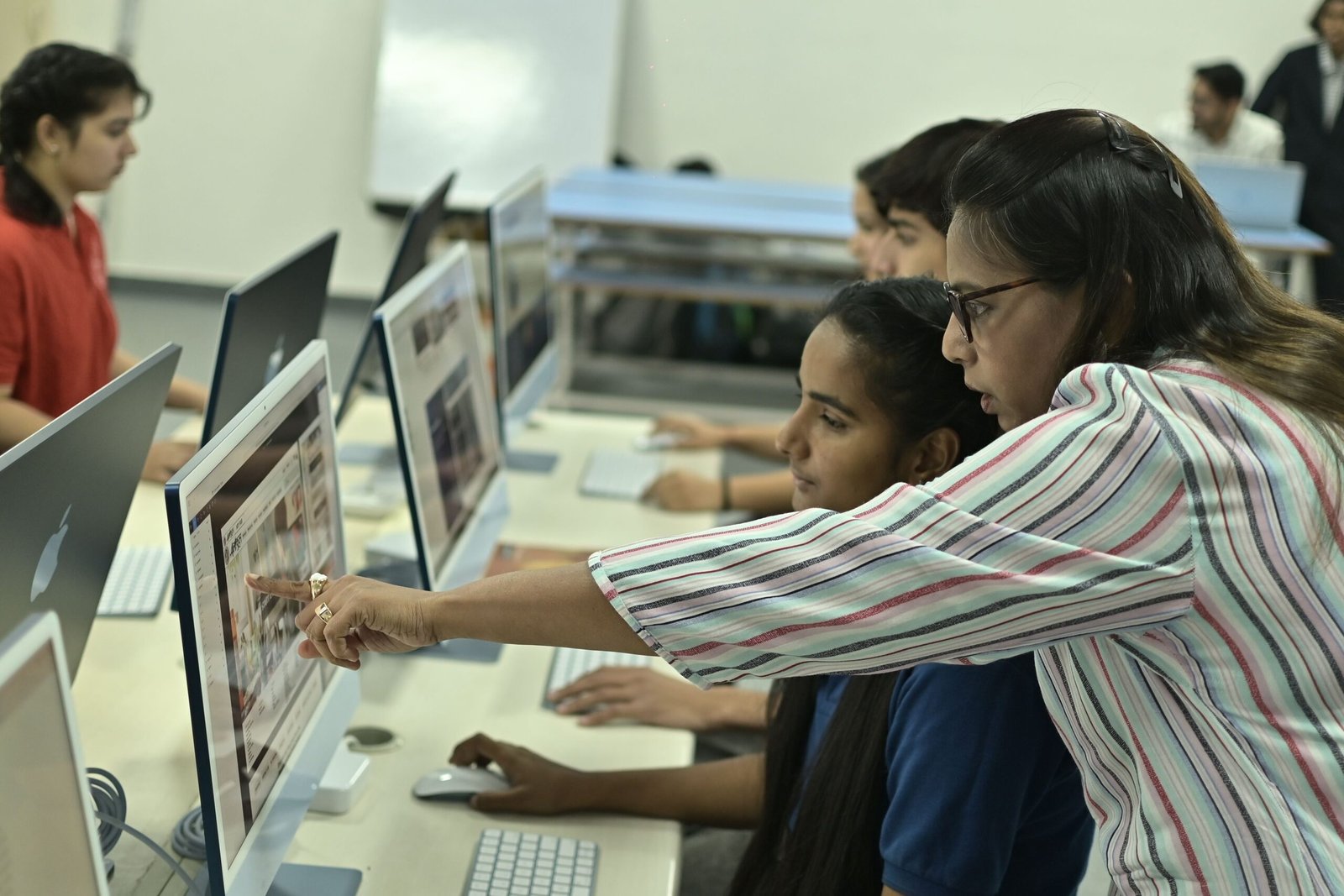
Teaching digital literacy to teenagers now requires more than showing students how to use devices or search the web. Young people need to judge information, protect themselves online, understand how algorithms and AI shape what they see, create responsibly and know when technology is helping or weakening their thinking.
A strong digital-literacy programme should therefore combine technical confidence with media and information literacy, online safety, privacy, critical thinking and AI literacy.
Digital literacy is a set of judgement skills
UNESCO’s media and information literacy framework treats digital competence as part of a broader ability to access, analyse, evaluate, create and communicate information responsibly. Its current guidance also includes social media and artificial intelligence.
Source: UNESCO, Media and Information Literacy for Global Communication and Learning
For teenagers, useful capability areas include:
- search and source evaluation;
- fact checking and evidence;
- privacy and account security;
- responsible communication;
- digital creation;
- copyright and attribution;
- AI literacy;
- misinformation and manipulated media;
- online safety and help-seeking;
- understanding digital footprints and platform incentives.
Teach students how to investigate a source
Students should learn to move beyond “this website looks professional”.
A practical source-checking routine can ask:
- Who created this?
- What is the original source?
- What evidence is provided?
- Can the key claim be confirmed elsewhere?
- Is the information current enough for the question?
- Is the page reporting evidence, opinion, advertising or advocacy?
- What important context might be missing?
Encourage students to open new tabs and check what independent sources say about the author, organisation or claim. Credibility is easier to judge across sources than from a page’s design alone.
Teach the difference between evidence, opinion and persuasion
Teenagers encounter news, influencer content, advertising, political messaging, entertainment and peer posts in the same feeds.
Classroom activities can ask students to identify:
- verifiable factual claims;
- opinions;
- sponsored content;
- emotionally persuasive language;
- missing evidence;
- selective statistics;
- unclear or misleading graphs;
- content designed primarily for engagement.
The goal is not to make students distrust everything. It is to make them ask better questions.
AI literacy now belongs inside digital literacy
UNESCO’s current media and information literacy materials explicitly address AI and social media, including how learners can critically engage with AI systems. UNICEF also emphasises that children need AI literacy, critical thinking, online-safety awareness and an understanding of their rights in digital environments.
Source: UNESCO, MIL Competencies in the Age of AI and Social Media
Source: UNICEF Innocenti, Preparing Children for an AI World
Students should understand that generative AI can:
- produce fluent but false answers;
- invent citations;
- reflect bias in training data;
- omit important context;
- change its answer depending on the prompt;
- create convincing synthetic images, audio and text.
They should practise checking AI output against reliable sources rather than treating the system as an authority.
Teach privacy before convenience
Students should learn that information entered into an app or AI service may be stored, processed or used in ways they do not expect.
Teach them not to paste sensitive personal information, private school records, passwords, medical information or another person’s confidential material into online tools without understanding the service and school rules.
UNICEF’s online-safety work stresses privacy, child protection and safer digital environments as technology becomes more embedded in children’s lives.
Source: UNICEF, Keeping Children Safe Online
Cybersecurity should be practical
Teenagers need habits they can use immediately:
- unique passwords or a password manager where appropriate;
- multi-factor authentication;
- recognising phishing and impersonation;
- checking links before signing in;
- keeping software updated;
- protecting recovery email and phone access;
- knowing how to report a compromised account.
Use realistic scenarios rather than only definitions. For example, show a plausible phishing message and ask students what signals they would inspect before clicking.
Digital footprints need context, not fear
“The internet is forever” is too simplistic. Students need to understand that online content can be copied, forwarded, archived, indexed or resurfaced even when the original post is deleted.
Teach them to consider:
- who can see a post now;
- who might see it later;
- whether it reveals location or private information;
- whether another person has consented to being included;
- how platform privacy settings work;
- how to remove or report harmful content.
Teach respectful and lawful content creation
Digital literacy includes creating as well as consuming.
Students should learn:
- basic copyright and attribution;
- how Creative Commons licensing works;
- when a quotation or image needs a source;
- how to distinguish remixing from plagiarism;
- how to label AI assistance when school policy requires it;
- why consent matters before sharing another person’s image or information.
Use authentic tasks instead of isolated lectures
Digital literacy is easier to learn through decisions.
Useful activities include:
- compare three search results for the same claim;
- verify a viral image;
- identify missing context in a graph;
- check whether an AI-generated answer is accurate;
- rewrite a weak password and account-recovery plan;
- design a social post that cites evidence correctly;
- analyse the permissions requested by an app;
- create a class guide to responsible AI use.
Integrate digital literacy across subjects
Digital judgement is not only an ICT lesson.
It can be taught through:
- history: evaluate primary and secondary sources;
- science: distinguish a study from a news summary;
- mathematics: examine misleading charts and percentages;
- language: identify persuasion and framing;
- art: discuss ownership, remixing and synthetic media;
- career education: practise professional communication and online profiles.
Repeated practice across subjects is more useful than a single annual online-safety presentation.
Make AI use rules explicit
Students need clear boundaries for when AI is allowed, when disclosure is required and when the work must be completed independently.
A school policy should distinguish between uses such as:
- brainstorming;
- translation;
- feedback on a draft;
- research support;
- generating a final answer;
- using AI during an assessment.
Rules should be linked to the learning objective rather than banning or permitting every AI use in the same way.
Build help-seeking and safeguarding into the curriculum
Online safety education should explain what students can do if they experience cyberbullying, threats, sexual exploitation, impersonation, blackmail or other harmful behaviour.
Students should know:
- which trusted adult or safeguarding lead to contact;
- how to block and report accounts;
- when evidence should be saved;
- when immediate safety or law-enforcement support may be needed;
- that asking for help is appropriate even if they made an earlier mistake online.
Schools should align lessons with their safeguarding policy and local law.
Do not teach digital citizenship through surveillance
Schools need safety controls, but a digital-literacy programme should also teach agency and rights. Excessive monitoring can undermine trust and does not replace teaching students how to make good decisions when adults are not watching.
Explain what school systems monitor, why they do it, how long data is retained and what students can expect.
Support teachers and caregivers too
Technology changes quickly. Teachers and caregivers do not need to know every platform, but they do need a framework for discussing safety, credibility, privacy and AI with teenagers.
Professional development should help educators:
- recognise current digital risks;
- teach source evaluation;
- respond to AI-assisted work consistently;
- handle disclosures of online harm;
- model responsible sourcing and digital behaviour.
Make the programme accessible
Do not assume every teenager has the same device, connectivity, reading level or accessibility needs.
Provide alternatives for learners who need screen readers, captions, keyboard navigation, lower-bandwidth materials, language support or additional time.
Assess real digital judgement
A multiple-choice quiz can test vocabulary, but it cannot show whether a student can investigate a source or protect an account.
Use performance tasks such as:
- verify a claim and explain the evidence;
- identify privacy risks in a scenario;
- compare an AI response with primary sources;
- respond to a phishing attempt;
- create and cite a digital project responsibly.
A practical teaching sequence
- Assess students’ current habits and misconceptions.
- Teach search and source evaluation.
- Teach privacy, security and help-seeking.
- Introduce misinformation and manipulated media.
- Add AI literacy and verification.
- Practise responsible creation and attribution.
- Apply the skills across subjects.
- Assess authentic digital tasks.
- Update examples as technology changes.
Digital and youth skills with MATSH
MATSH provides youth development, digital capability and professional-skills training. Digital literacy should help young people become safer, more critical and more capable users and creators of technology, not simply more frequent users.
Browse MATSH youth development courses.
Frequently asked questions
What should teenagers learn in digital literacy?
They should learn source evaluation, online safety, privacy, cybersecurity, responsible creation, media literacy and AI literacy, alongside the technical skills needed for school and work.
Should schools ban generative AI?
A blanket rule is rarely enough. Schools need clear, task-specific expectations about permitted use, disclosure, verification and independent work.
How do you teach students to spot misinformation?
Teach them to trace claims to original sources, compare independent evidence, inspect context and distinguish fact from opinion or persuasion. Avoid relying only on visual clues such as whether a website “looks professional”.
How should digital literacy be assessed?
Use authentic tasks that require students to investigate, verify, protect, create and explain, not only recall terminology.
Sources
Need In-House Training?
We run all our courses as private programmes for organisations across the GCC and Africa.
Request In-House →